How to create new board?
Learn how to create a new different board
Last updated 9.5.2020There are multiple ways to create a new board.
Use context menu
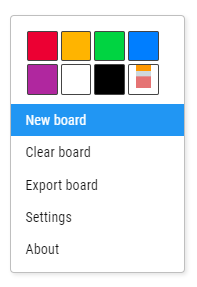
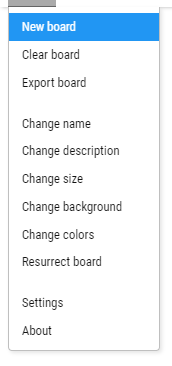
The simplest one if you are already in a board is to use a context menu. You can invoke context menu by right clicking anywhere on the board.
- Right click anywhere on the board.
- Click on the New board menu item.
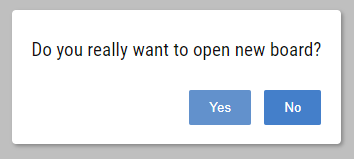
- Confirm your action by clicking on Yes in the dialog.
Use application menu
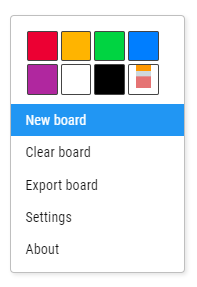
Other option is to open application menu and trigger new board dialog from there.
- Click on the application menu icon.

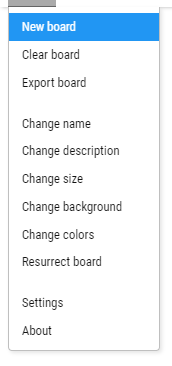
- Click on the New board menu item.
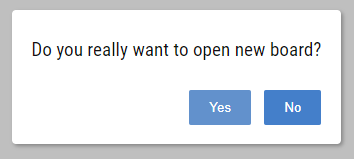
- Confirm your action by clicking on Yes in the dialog.

Learn more about different topics or uncover some hidden extras that are included in the Onlineboard. Read our comprehensive manual and learn something new today.